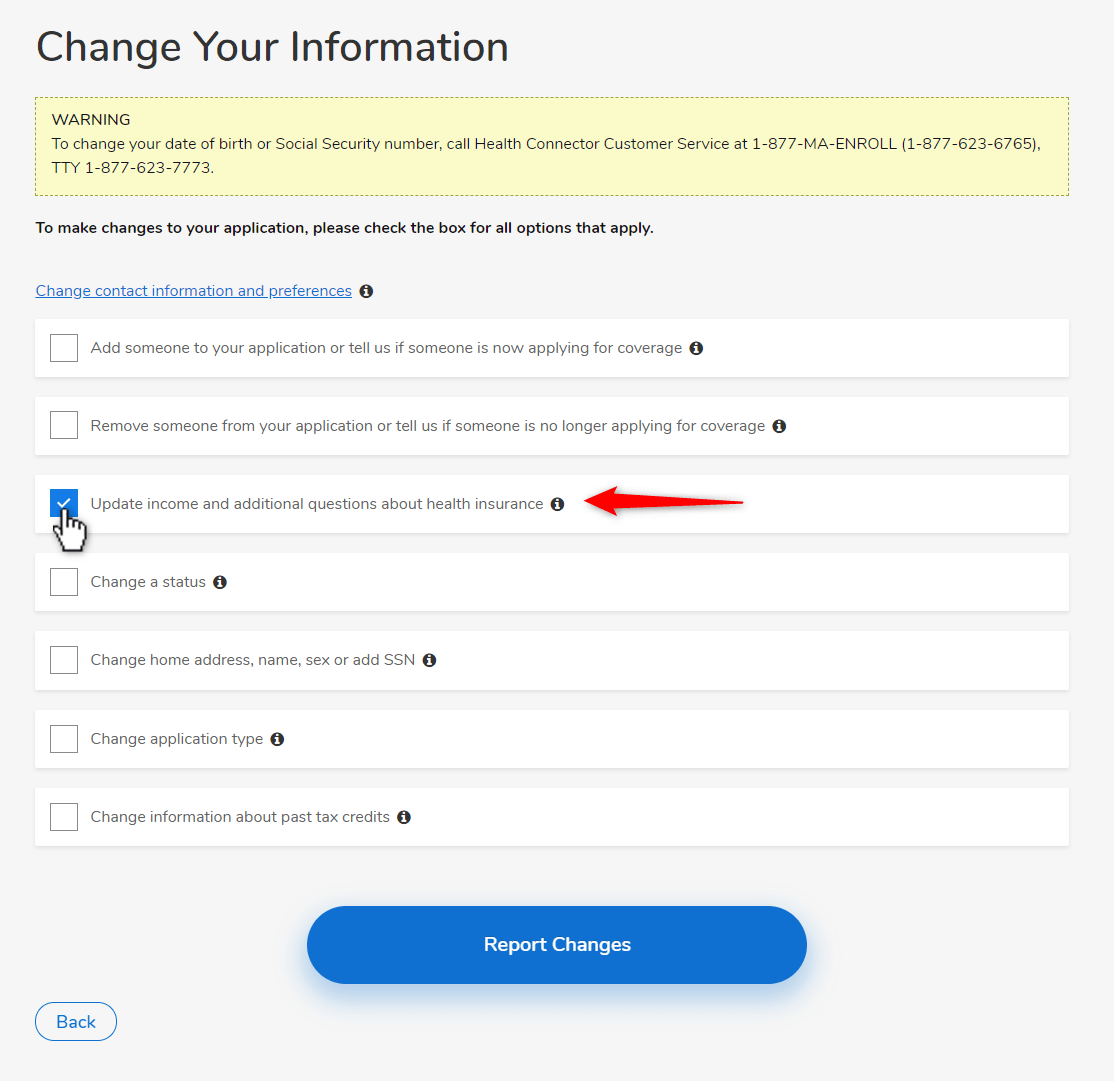







You can update your application information online at any time by logging into your account and reporting a change. Follow the steps below to update your 2026 income.
Important: Reporting a change to your income may change the amount of help you receive for paying for costs if you applied for subsidies.
- If you receive an Advance Premium Tax Credit (APTC) and you report an income increase, you may see a decrease in your Advance Premium Tax Credits if you currently receive them.
- If you report a decrease in income, you may see an increase in Advance Premium Tax Credit.
- If you report an income that is 100% to 400% FPL, you may be eligible for ConnectorCare plans.
- If you are enrolled in ConnectorCare and report an increase or decrease in income that is still 100% to 400% FPL, then your Plan Type may change. Learn more about Plan Types →
- If you report an income that is at or below 133% FPL, you may qualify for MassHealth coverage.
View FPL Chart → OR Get a Quick Estimate →
Steps to update your income
Step 1: Sign in to your account and visit the “My Eligibility” page. You will see your “Year 2025” application listed.
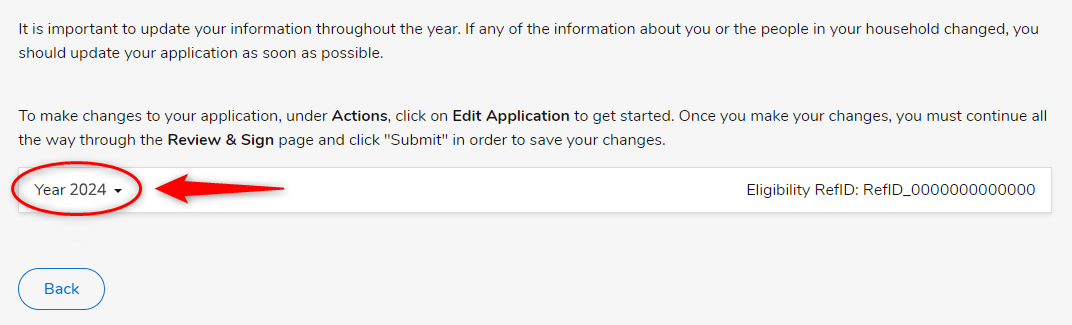
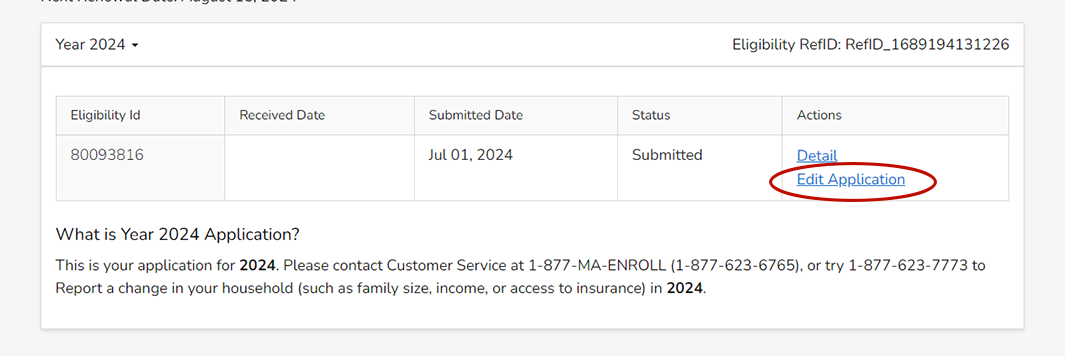
Step 2: On the “My Eligibility” page, click “Edit Application” under the Actions column. If you don’t see this link, skip to Step 3.
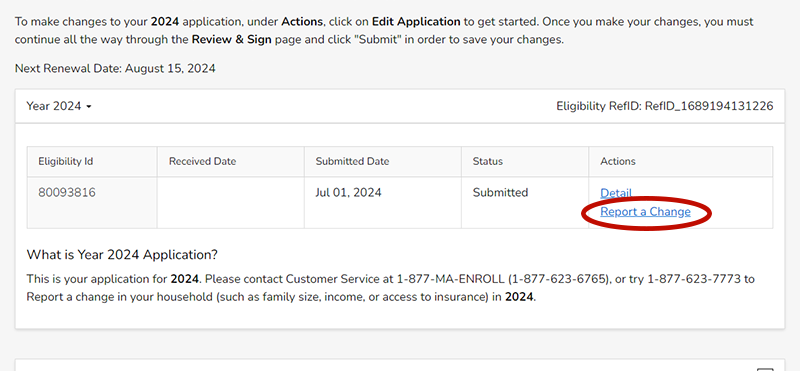
Step 3: On the next page, you will need to click the “Report a Change” link under the Actions column.
Step 4: On the next page, you will be able to choose to update your income information by clicking the “Yes” button next to Update Income. Then, click the “Report Changes” button to make your updates, following the instructions on screen.